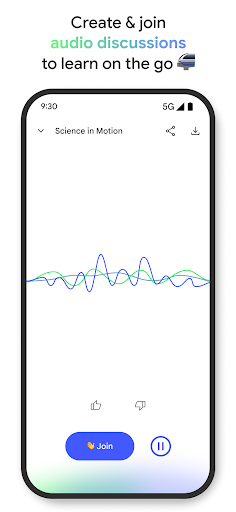
Google NotebookLM transforms your documents and sources into a conversational research partner, letting you ask questions, explore connections, and extract insights from any material. Whether you're studying, working on projects, or diving deep into topics, this AI assistant helps you process information faster and retain it better.
Download the latest version on Android to access an intelligent document analyzer that turns your research into interactive learning tools, complete with flashcards, quizzes, and continuous chat history.
Is this APK safe to install?
Yes, this is the official Google NotebookLM app from a trusted source, developed and maintained by Google with standard security practices.
How do I install the APK?
Download the APK file, open your file manager, tap it to install, and grant necessary permissions when prompted. Enable "Unknown Sources" in security settings if needed.
What's new in the latest version?
Version VARY adds flashcards and quizzes, improved chat quality with larger context, persistent conversation history, and better source management—all powered by the latest Gemini technology.