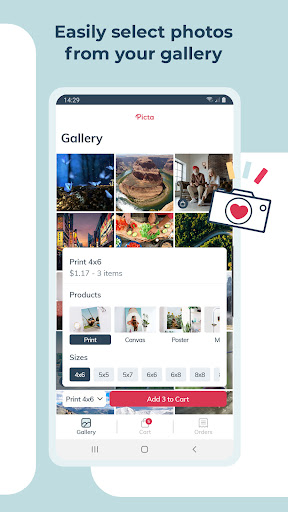
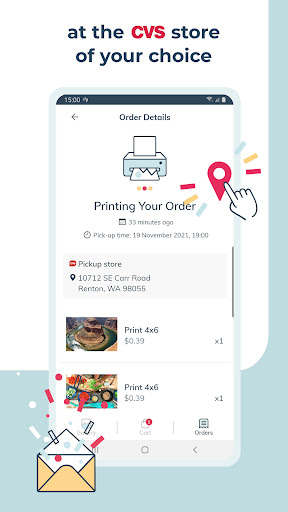
Picta x CVS Photo Print brings your digital photos to life with same-day printing at CVS Pharmacy locations. Download the free Android app to order 4x6, 5x7, 8x10, and other photo sizes directly from your mobile device—no computer required.
Get the latest version 10.42.0 of Picta x CVS Photo Print today and enjoy a streamlined photo printing experience designed specifically for Android users who want professional-quality prints delivered quickly.
Is Picta x CVS Photo Print free?
Yes, the app itself is free to download on Android. Photo printing costs depend on your chosen print size and format, with prices available before you complete your order.
How do I install the APK?
Download the APK file, open your Android Downloads folder, tap the installer, and follow the on-screen prompts. You may need to enable installations from unknown sources in your device settings if installing from outside Google Play.
What's new in the latest version?
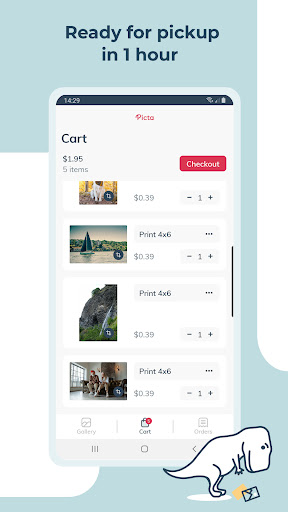
Version 10.42.0 improves the CVS photo printing experience with better mobile integration and simplified ordering. The update makes uploading, previewing, and purchasing prints faster and more intuitive.